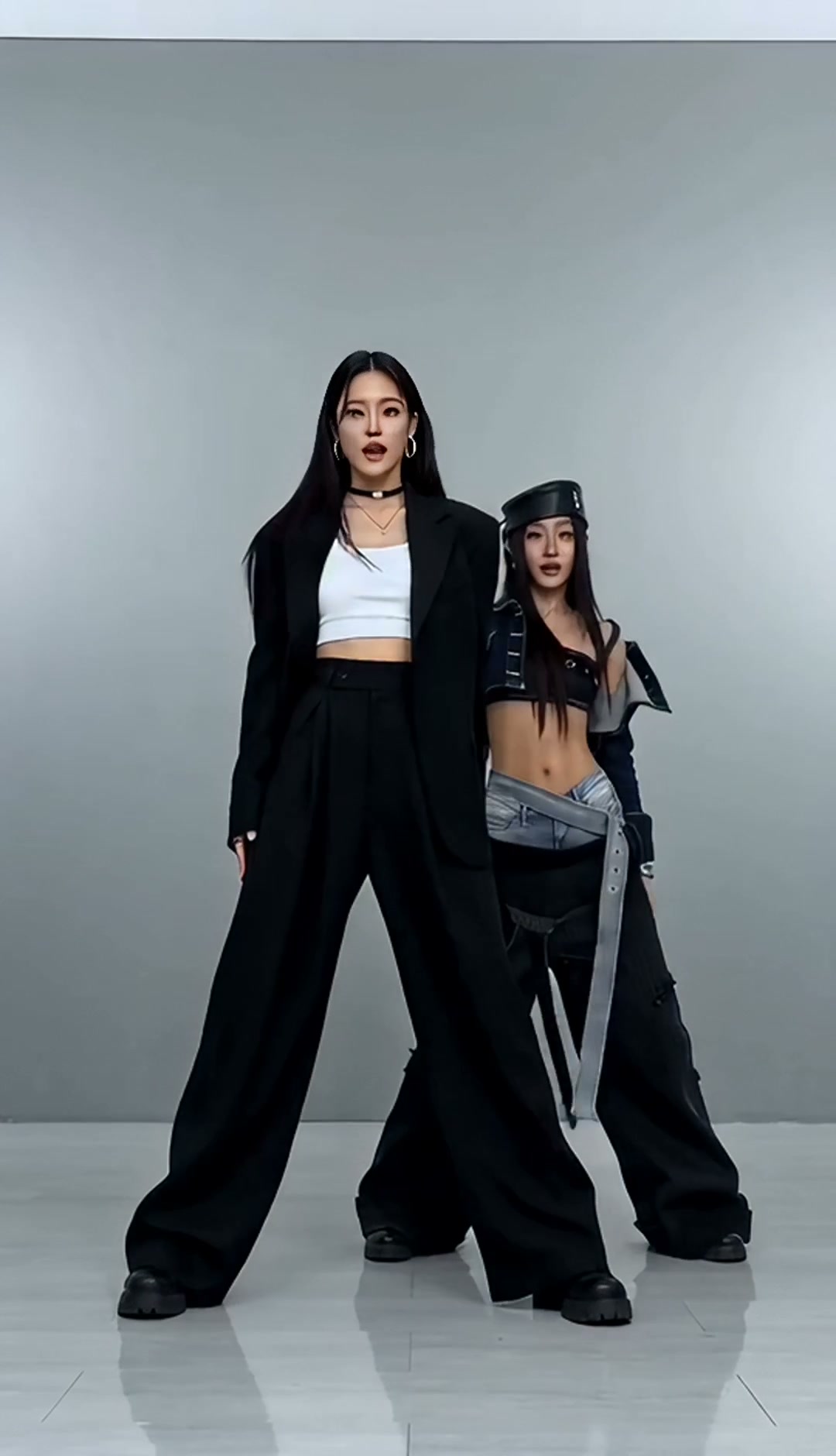
Where can you make an A2O LITE NEON AI dance video?
GenMedia offers a two-photo A2O LITE NEON-style dance workflow. Upload two portraits, select a reference scene and create a synchronized 15-second duo video. The chosen scene determines whether the result is portrait or landscape. Facial likeness, clothing and choreography details can vary.
How to make an A2O LITE NEON AI dance video
- Upload two clear photos, one adult in each image.
- Pick one of six NEON dance scenes and choose 480p or 720p.
- Generate the 15-second video, review both faces, then download your MP4.
A2O LITE NEON AI dance generators: what to compare
Choose a two-photo generator by checking choreography, scene choices, output format and real result examples.
Compare dance workflows