Seedance 2.5 and Wan 3.0 are currently on sale. Unlock Now ›
GenMedia
Log inGenerate
A2O LITE NEON AI

How to make an A2O LITE NEON AI dance in Singapore

Two photos, a scene choice and a 15-second duo dance ready for your own edit.

Create your duo
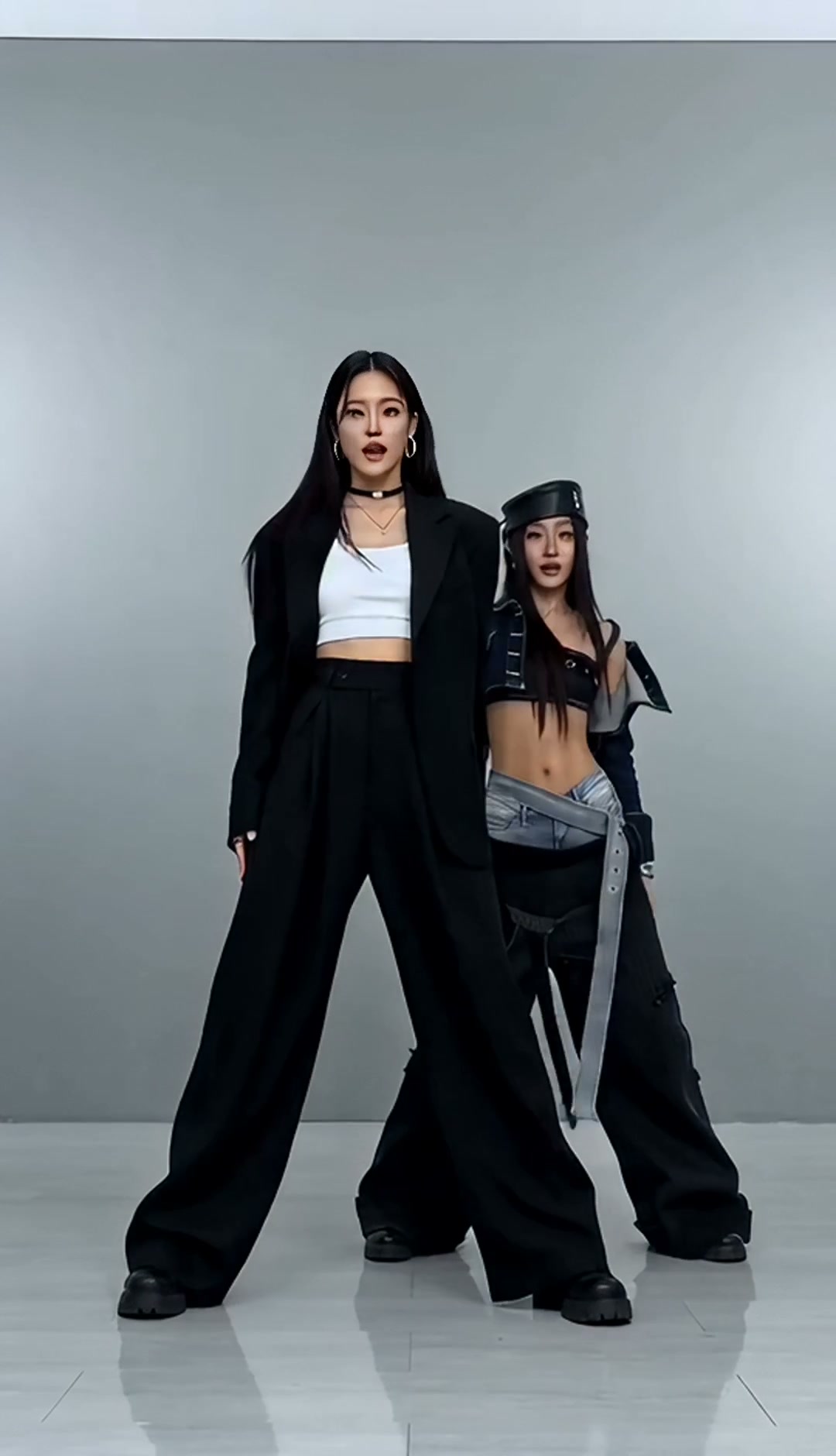
A2O LITE NEON AI duo dance reference

Where can I make an A2O LITE NEON AI dance in Singapore?

Use GenMedia’s two-photo NEON duo workflow. Upload two separate portraits, choose one of six scenes and create a 15-second synchronized video. Pick a 9:16 scene for vertical social posts or a 16:9 scene for landscape edits.

How to make the A2O LITE NEON AI dance

  1. Upload a clear photo of each consenting adult.
  2. Pick a NEON dance scene and choose 480p or 720p.
  3. Generate, review both faces and download the 15-second MP4.

A2O LITE NEON AI dance generators: Singapore guide

Compare two-photo inputs, scene formats, real outputs and cost before you generate.

Compare dance workflows

Common questions

Do I need two photos?+

Yes, upload one photo per consenting adult.

Is the result vertical?+

Choose a 9:16 portrait scene for a vertical result; other scenes use 16:9 landscape.

How long is the video?+

The duo workflow targets 15 seconds.

Can I post it online?+

Review the video, get both people’s permission and follow the platform’s AI content rules.