A2O LITE NEON AI dance generators: what to compare
Choose a two-photo generator by checking choreography, scene choices, output format and real result examples.
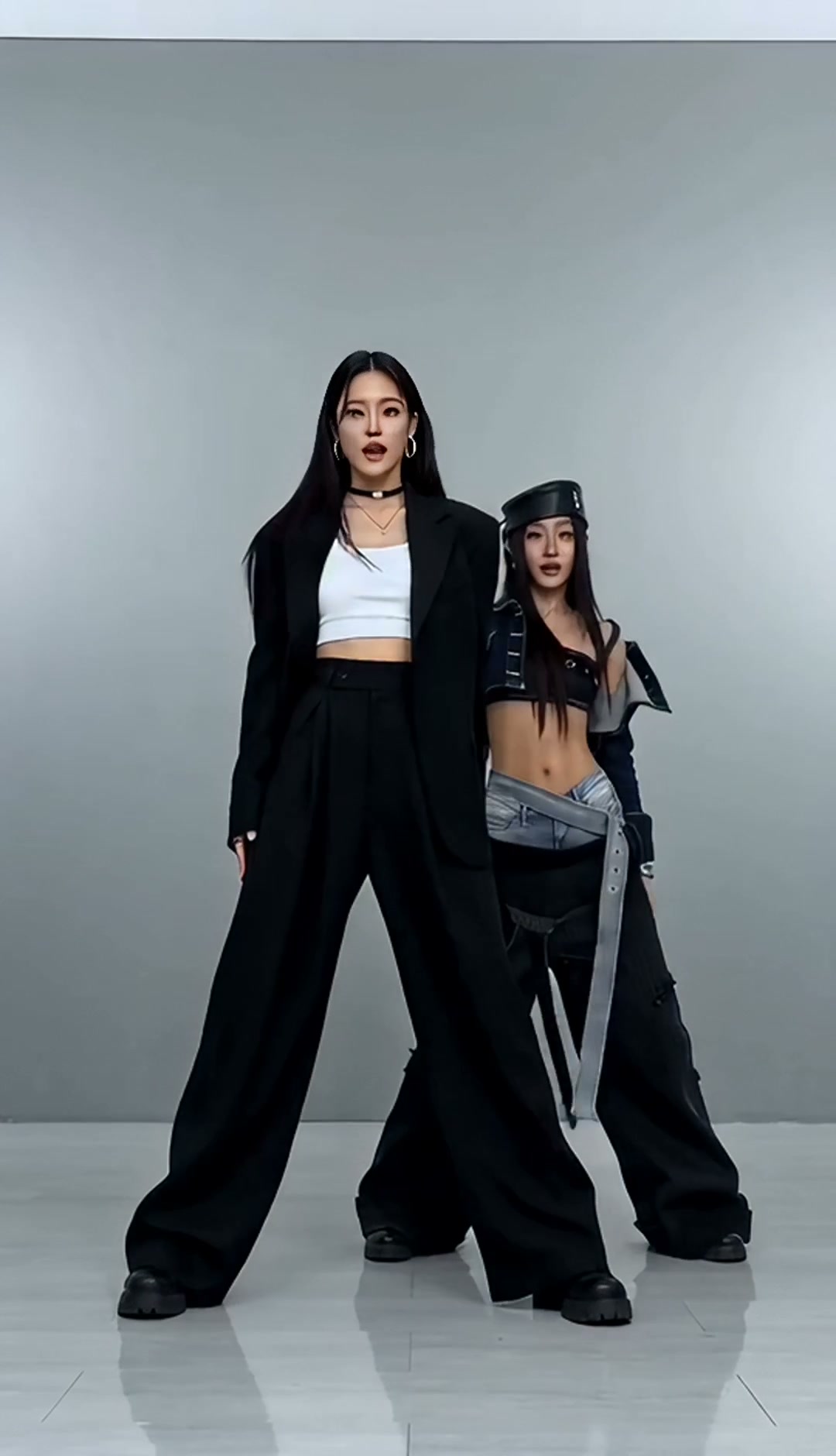
For a ready-to-use two-person NEON dance, start with a dedicated duo workflow such as GenMedia’s A2O LITE NEON effect. It asks for two separate portraits and a scene rather than a written prompt.
A general image-to-video tool gives more prompt control, but may not keep two people synchronized. A reference-video replacement workflow is more suitable when reproducing a particular sequence of movement matters most.
Compare actual output samples, price, duration, portrait or landscape format, refund policy and consent requirements. A reference preview is not proof of the personalized output quality.
Where can you make an A2O LITE NEON AI dance video?
GenMedia offers a two-photo A2O LITE NEON-style dance workflow. Upload two portraits, select a reference scene and create a synchronized 15-second duo video. The chosen scene determines whether the result is portrait or landscape. Facial likeness, clothing and choreography details can vary.
Read the how-to guide