Zooms
Apply a specific, named camera move to a still photo, no rig or gimbal needed.
How far the effect moves from your original.
More in Camera Control


About Zooms
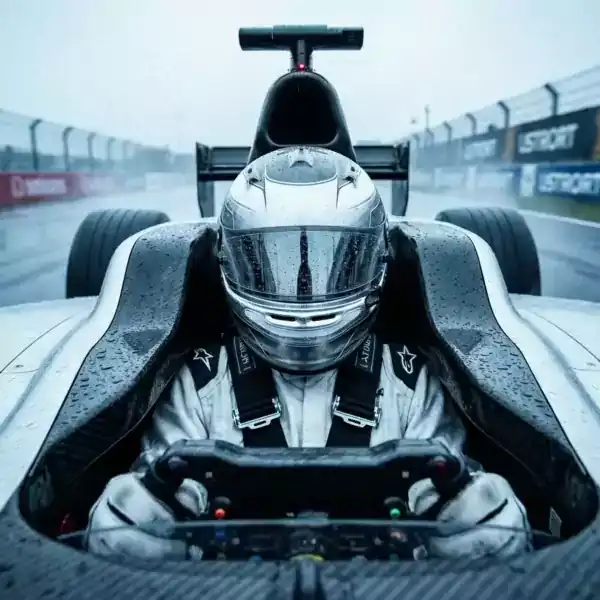
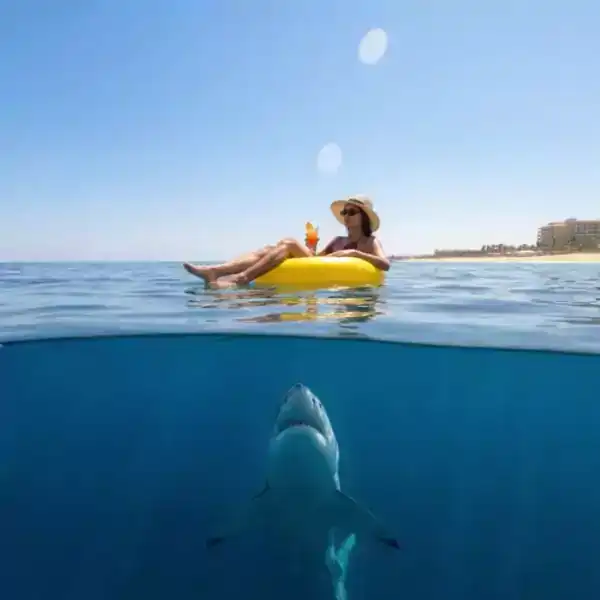
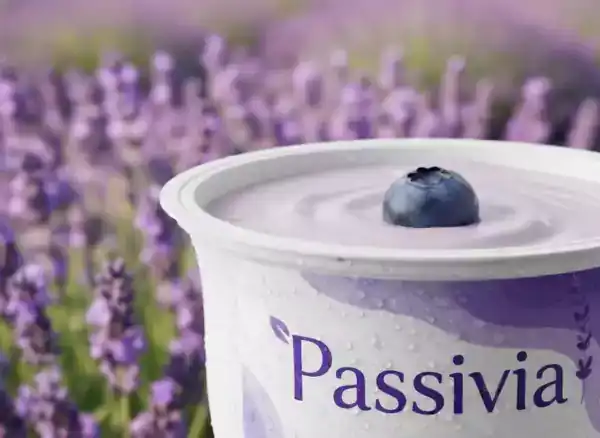
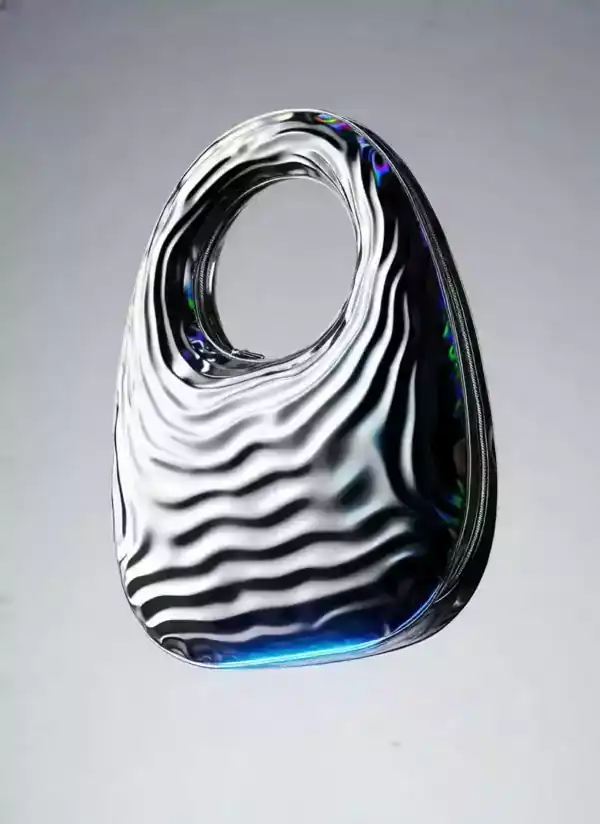
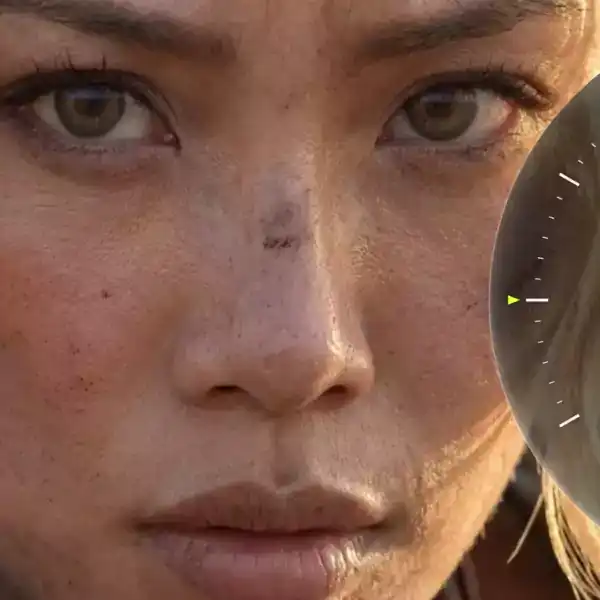
Zooms takes a still photo and moves the camera through it the way a real rig would: a push in, a pan, an orbit. It is the shot list move without the shot list.
Useful for turning a single photo into something that feels filmed rather than displayed. Works from one image.
How it works
Upload a photo
Photos with clear depth and a defined subject work best for Zooms.
Set the intensity
Subtle keeps the move gentle. Strong pushes the camera move further.
Download the clip
Get a short video with the Zooms move applied, ready to drop into an edit.
Questions
Does Zooms work on any photo?
Photos with a clear foreground subject and some depth in the background give the strongest result.
How long is the rendered clip?
Most camera moves render as two to five second clips.
Can I combine this with another effect?
Yes, open the result in Canvas and chain it with another generator.
What frame rate does it render at?
24fps by default, with 30 and 60fps available on supported plans.