Video Editor
A one-tap generator built for its own specific idea, ready to run on your own photo, clip or prompt.
How far the effect moves from your original.
Uses 3 credits · renders in about 20 seconds
More in More Apps


About Video Editor
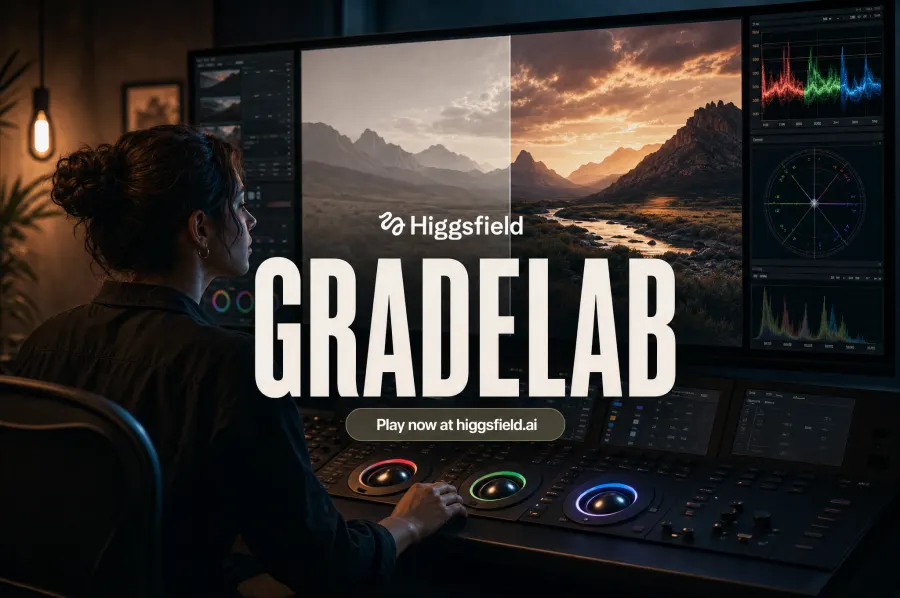
A timeline video editor with GenMedia generation built in: generate clips and stills from a prompt, drop them straight onto the timeline, and upscale your footage — all on your own GenMedia account.
Your upload

Video Editor
How it works
01
Upload a photo or clip
Video Editor works from a single photo or short clip.
02
Pick a strength
Subtle keeps it close to the original. Strong pushes the effect all the way.
03
Download the result
Get a finished file, ready to share, post or use as-is.
Questions
What do I need to upload for Video Editor?
A single clear photo or a short clip is enough to start from.
How long does it take to render?
Most renders finish in under a minute.
Will there be a watermark?
No watermark on paid plans. Free renders include a small corner mark.
Can I use the result commercially?
Yes, the output is yours to use on any paid plan.