PropViz Studio
Turn a product shot, page or idea into a finished ad, no agency or shoot required.
How far the effect moves from your original.
More in Ads & Marketing

About PropViz Studio
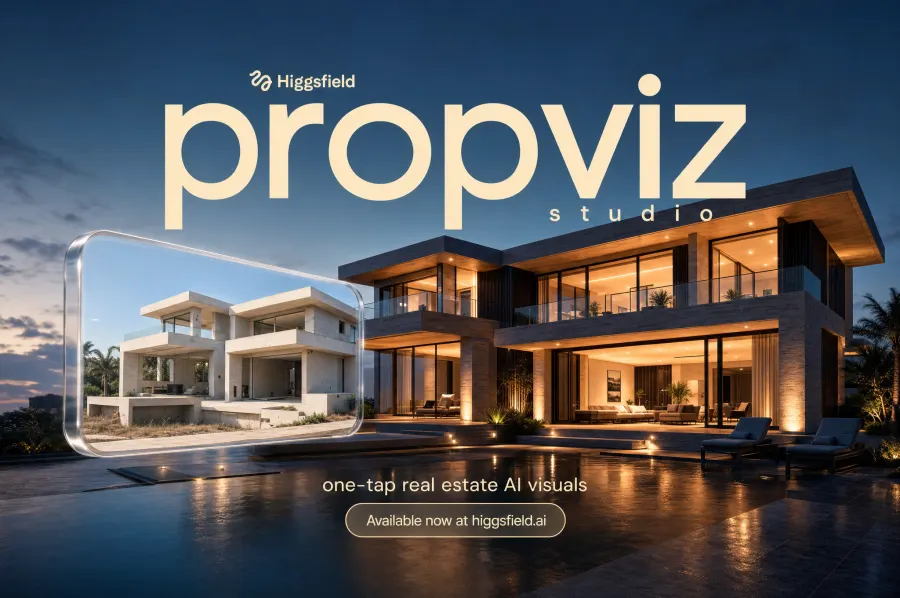
One-tap AI visuals for real estate: day-to-dusk, virtual staging, floor plan to 3D, cinematic video tours and more — expert prompts written for you.
How it works
Upload your product photo or link
A clean shot or a URL is enough for PropViz Studio to start from.
Pick a strength
Subtle keeps it close to a straightforward product spot. Strong adds full scene staging.
Download and run it
Get a finished ad ready for paid social, display or a landing page.
Questions
Can I use PropViz Studio's output in paid ads?
Yes, the output is yours to use commercially on any paid plan.
What formats does it export?
Vertical, square and widescreen cuts are all available from one render.
Do you add pricing or logos automatically?
Not automatically. Open the result in Canvas to add callouts, logos or pricing.
How fast can I get a new version?
Regenerate with a different strength or input any time. Most renders finish in under a minute.