What's Next
Turn a photo or clip into a short, trend-ready video built for the For You page.
How far the effect moves from your original.
More in Viral

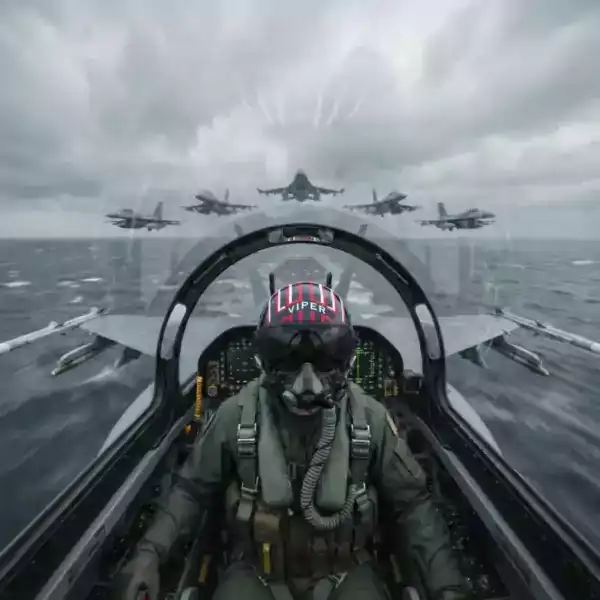

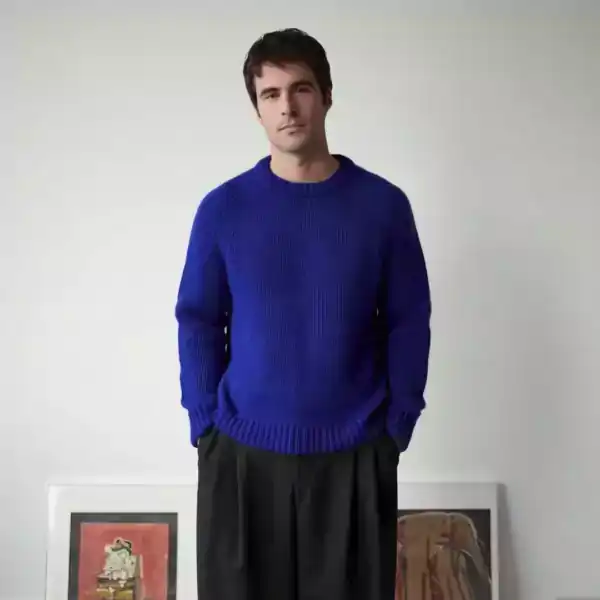
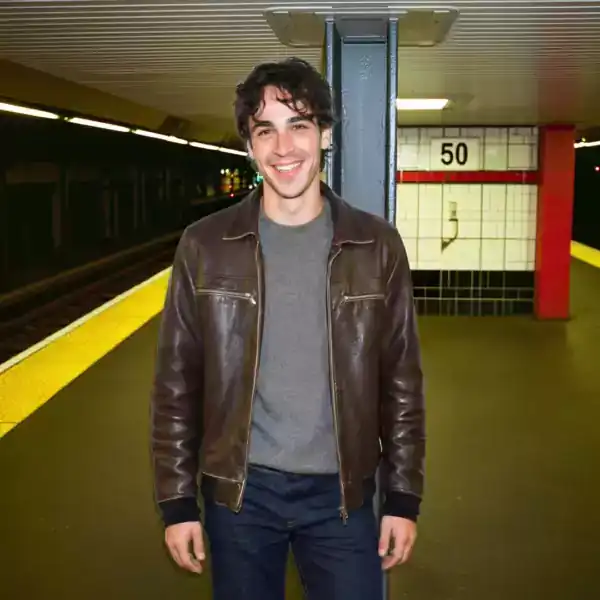

About What's Next
What's Next takes a photo or short clip and reshapes it into the kind of clip that spreads on its own: fast cuts, a hook in the first two seconds, and a format that matches what is already working on short video feeds.
It is built for creators and social teams posting daily who do not have time to storyboard every idea from scratch. Upload once, pick the strength, and the draft comes back ready to post.
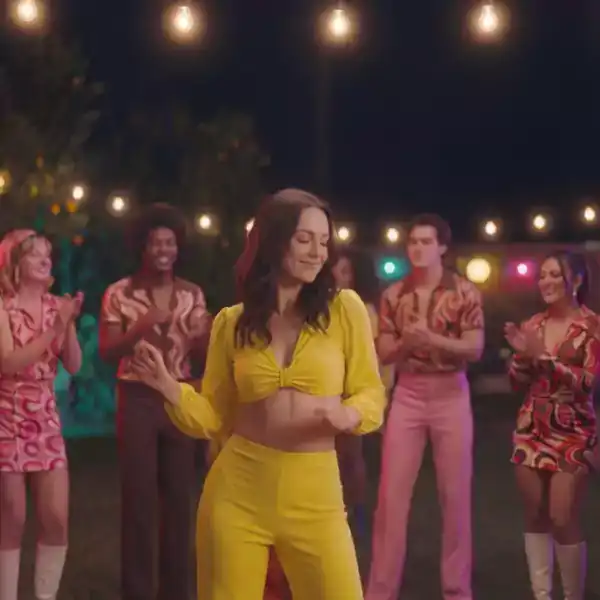
How it works
Upload a photo or clip
Any portrait photo or short video works. No account or camera setup needed.
Pick a strength
Subtle keeps it close to the original. Strong pushes the effect all the way.
Download and post
Get a finished vertical clip, sized for TikTok, Reels or Shorts.
Questions
What do I need to upload?
A single clear photo, or a short video clip of five to fifteen seconds.
How long does What's Next take to render?
Most clips finish in under thirty seconds. Longer source clips take a little more time.
Will there be a watermark?
No watermark on paid plans. Free renders include a small corner mark.
Can I use this for a business account?
Yes. Nothing about the output is tied to a personal profile.