Outfit Shot
Swap a face, outfit or entire look while keeping the rest of the scene untouched.
How far the effect moves from your original.
More in Persona Switch
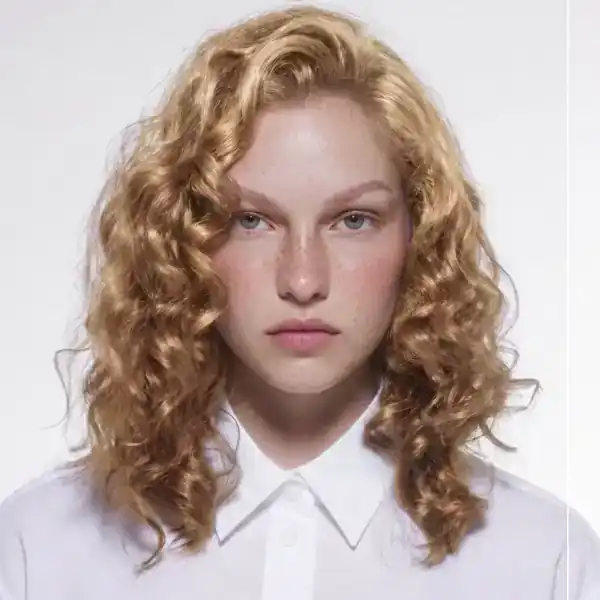
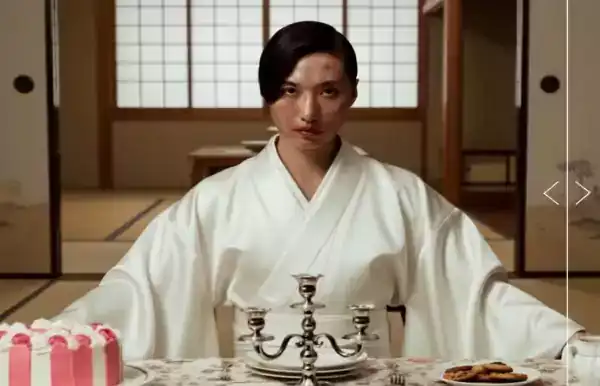
About Outfit Shot
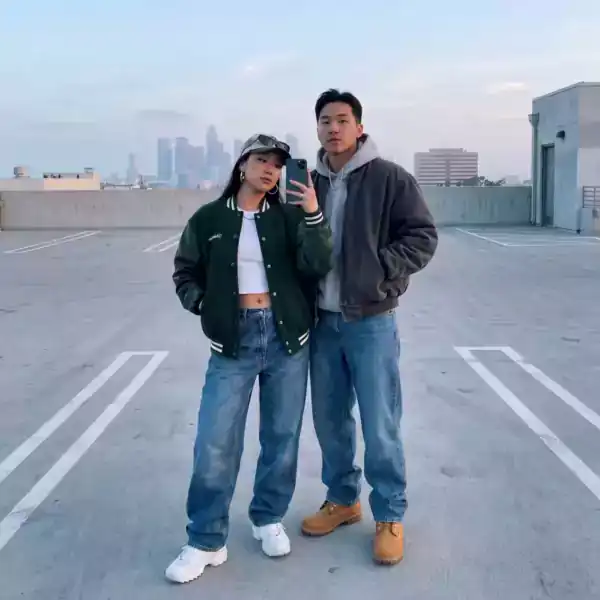
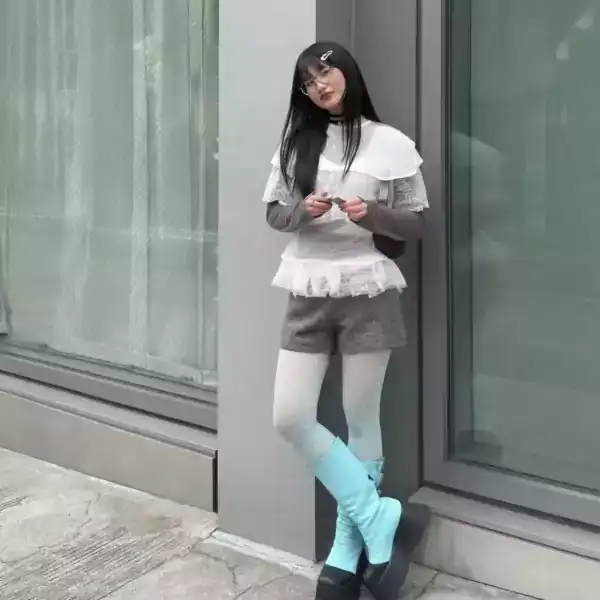
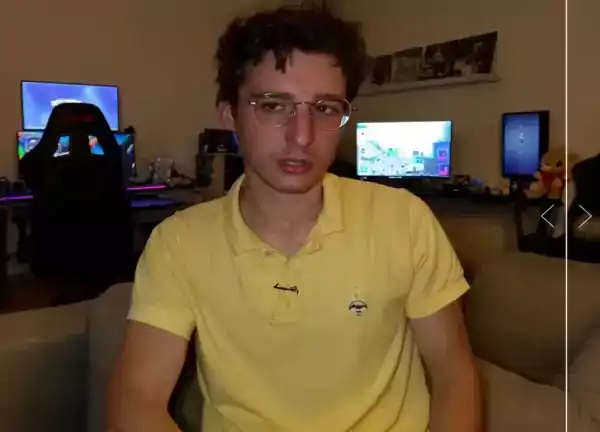
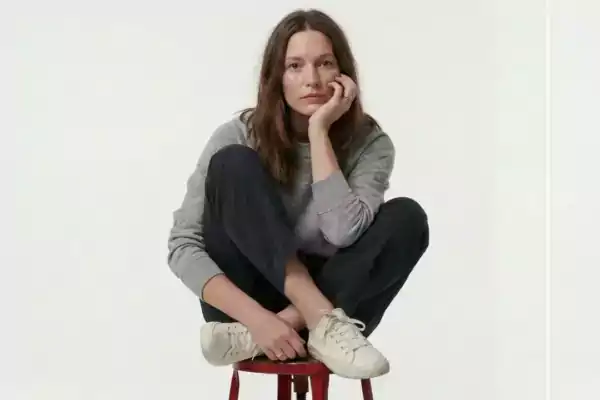
Outfit Shot changes one part of a photo, a face, an outfit, a hairstyle, without touching the lighting, pose or background around it. The result reads as one continuous photo, not a visible edit.
Useful for character consistency across a shoot, trying a look before committing to it, or just having fun with a photo. Works from a single reference image.
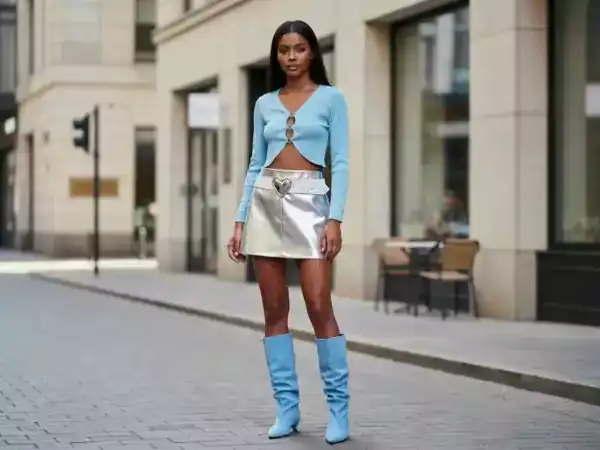
How it works
Upload a photo
A clear, forward-facing photo works best for Outfit Shot.
Choose the strength
Subtle keeps more of the original. Strong commits fully to the swap.
Download the result
Get back a photo or short clip with the swap applied.
Questions
Does Outfit Shot need a second reference photo?
Some persona effects use a second reference image for the new look, others apply a preset style. Both options appear before you generate.
Will the lighting match the original photo?
Yes. The effect matches the original scene's lighting and shadow direction automatically.
Can I use this on a video?
Yes, video input is supported and keeps the original motion.
Is my uploaded photo stored?
Uploads are used only to render your result and are not used to train models.