Color Grading
Apply a cinematic visual effect to any photo or clip in one pass, no compositing software required.
How far the effect moves from your original.
More in Visual Effects
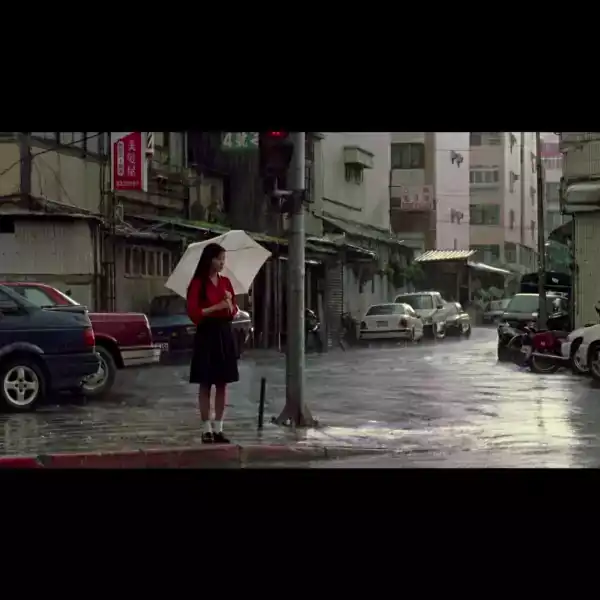



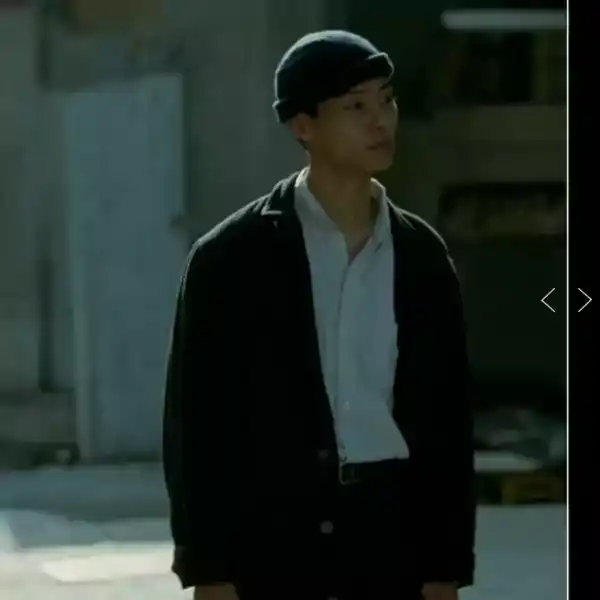
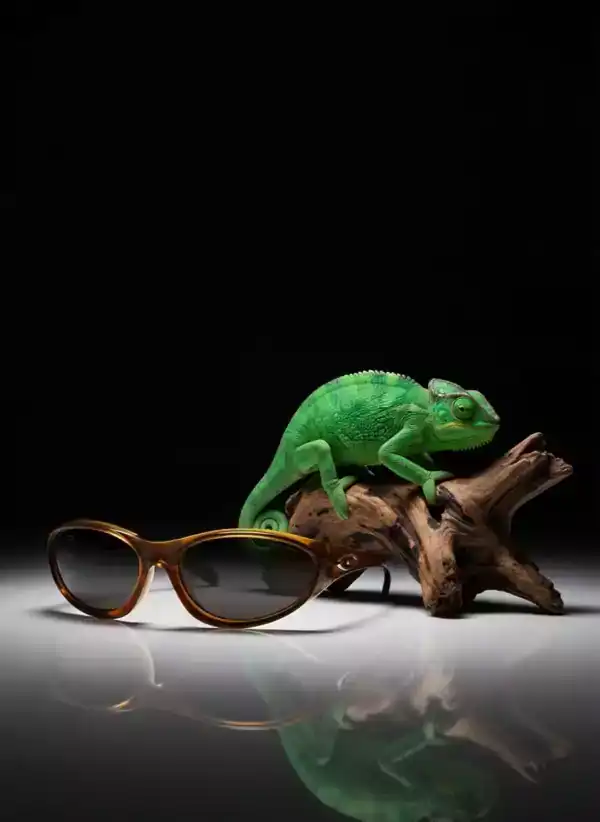
About Color Grading
Color Grading runs a single visual transformation on your upload: the kind of shot that would normally take a compositor an afternoon, done in under a minute.
It works from one photo or a short clip. There is no green screen or manual masking involved. Pick the strength, generate, and the effect is baked into the final file.
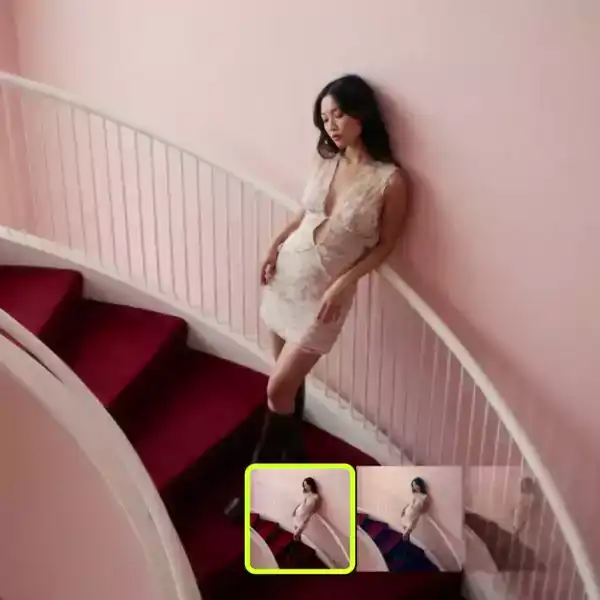
How it works
Upload a photo or clip
A clear subject against any background works, no green screen needed.
Set the strength
Subtle blends the effect in. Strong makes it the main event.
Download the result
Get back a file with the effect fully rendered in, ready to share or edit further.
Questions
Do I need a green screen for Color Grading?
No. It works on ordinary photos and clips with any background.
What resolution does it render at?
Standard renders at 1080p. HD renders at up to 4K on supported plans.
Can I adjust the effect after generating?
Regenerate with a different strength, or open the result in Canvas to layer more effects.
Does it work on video as well as photos?
Both. A single photo produces a short animated clip, and a video clip keeps its original motion.