ClipCut
Cut between two clips or photos with a designed transition, no editing timeline required.
How far the effect moves from your original.
More in Transitions



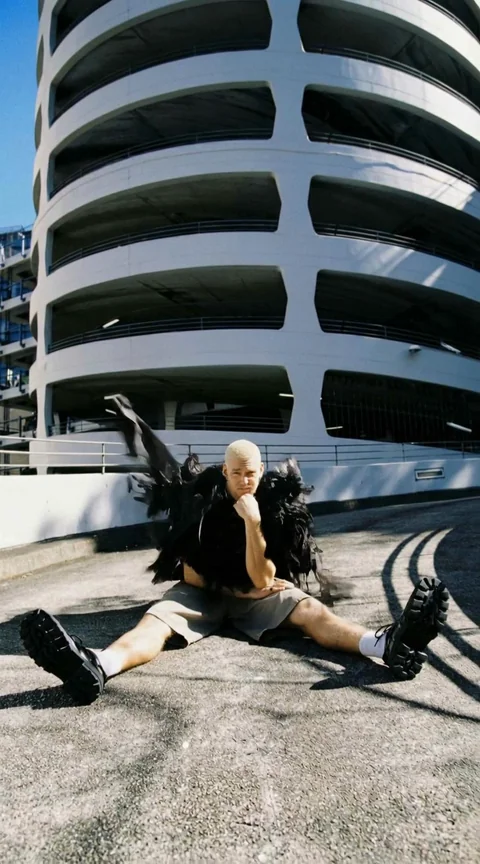


About ClipCut
ClipCut is a ready-made cut: the kind of transition an editor would build by hand in a timeline, applied automatically between your clips.
Drop in a start and an end point and the transition handles the motion in between. No keyframing required.
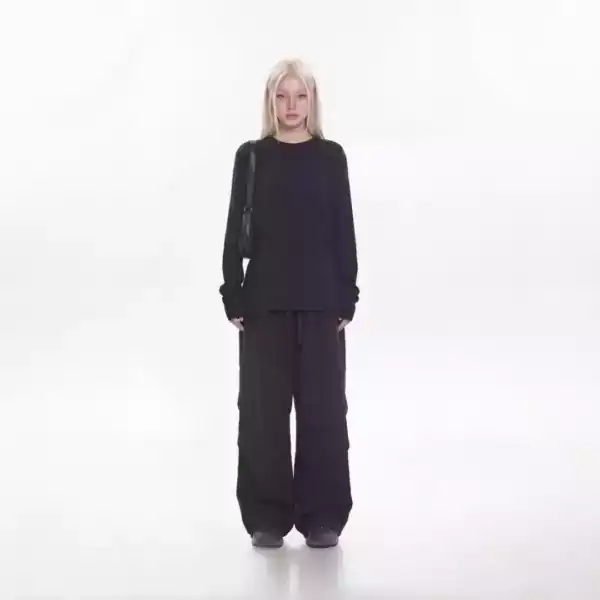
How it works
Upload your clips or photos
ClipCut needs a start point and an end point to cut between.
Set the pacing
Subtle keeps the cut quick and clean. Strong adds more motion to the transition itself.
Download the result
Get a single clip with the transition built in, ready for a longer edit.
Questions
Do both sides need to match?
No exact match needed. The transition is designed to work across different shots.
Can I use two photos instead of video?
Yes, photo to photo and video to video both work.
How long does the transition last?
Most transitions run under one second, matching how a real cut feels.
Can I chain several in one edit?
Yes, generate each cut separately and assemble them in Canvas or any editor.